AI incident reporting
How to report an AI finding, case or feature that did not work as intended.
How to report an incident
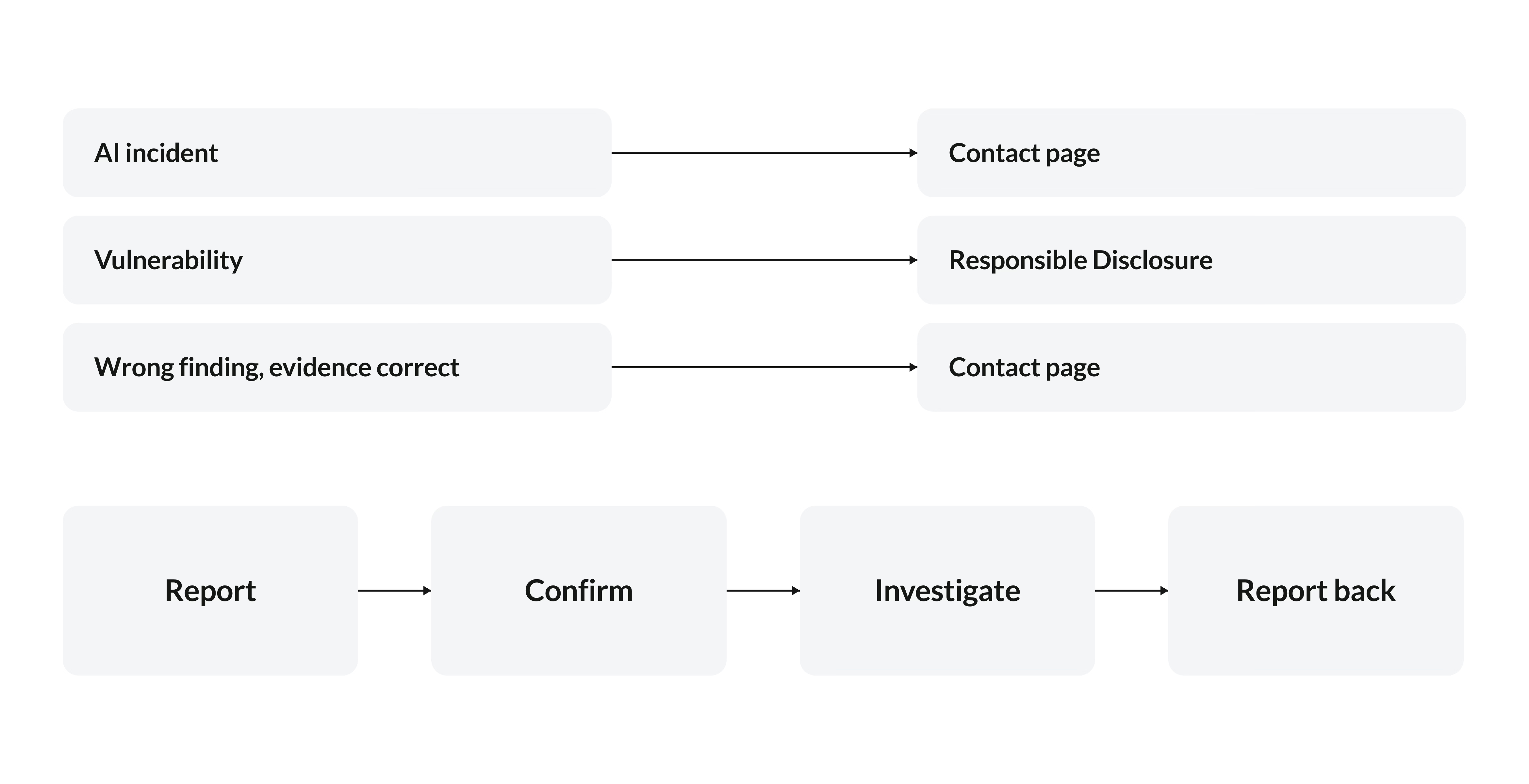
Reports go through our contact page. ARRTECH confirms each report, investigates and reports back.
What counts as an AI incident
A finding, case or system behavior that did not match the evidence or intended permissions is worth reporting. Examples include:
- An assessment unsupported by the source events.
- Missing context that changed a decision.
- A request outside the authorized scope.
- A result reaching an unintended recipient.
- A changed identifier or meaning in a request.
- An unrecorded change to production detection.
- Evidence that untrusted text influenced the system’s behavior.
What to include
- The product and version.
- The date and time, with time zone.
- The operation id and reason, or the finding or case reference.
- What happened, and what was expected.
- Evidence, redacted as policy requires, and any steps already taken.
Immediate steps
Follow the organization’s incident process to control affected access and preserve the relevant records. Record the actions taken and their results, then share the context through the agreed reporting channel.
